Define what the agent may call, how tools are discovered, and what requires approval before it reaches production data.
Agents and automation
Make agent workflows clear enough to operate.
Agent architecture planning for teams moving from demos into voice intake, workspace file tools, permissions, memory, traces, and human review.
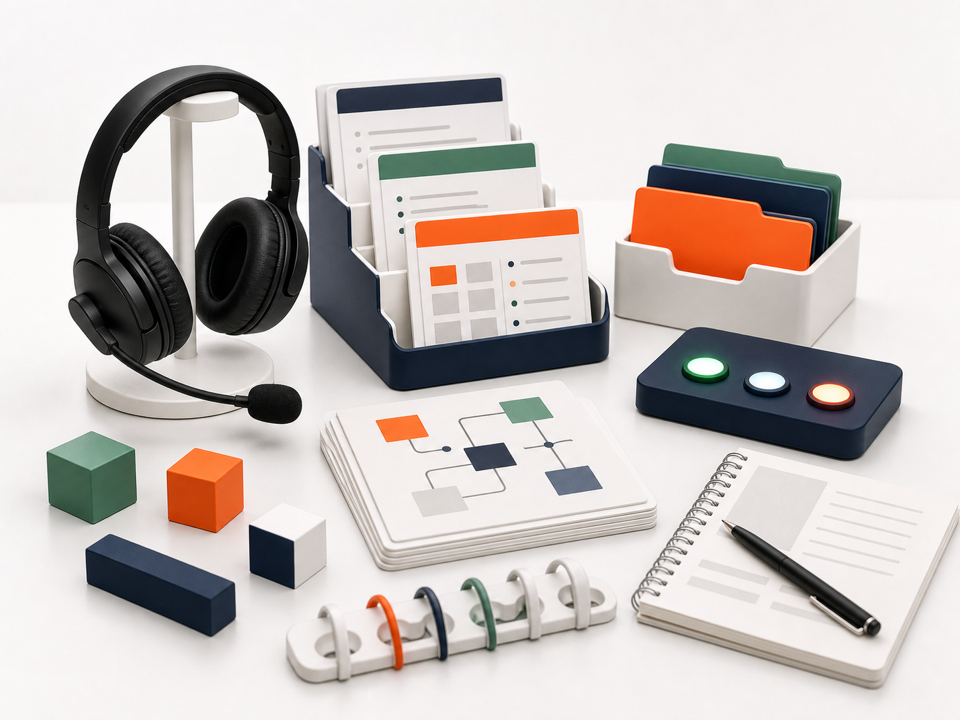
Connect live audio, transcription, workspace files, offline saves, and reviewable edits without hiding the handoff points.
Design handoffs, retries, review points, and escalation paths for production use.
The agent can do impressive things, but no one can clearly say what it owns, what it may call, or where review happens.
Files, credentials, provider actions, and production data are close to the agent without a crisp approval model.
Humans still need to understand traces, retries, memory, voice input, and handoff paths when the workflow fails.
Agent goods
From demo agent to operated workflow.
The agent shelf now covers the real pieces we have been building: live voice intake, virtual filesystem access, tool permissions, traces, and renderer-aware workbench context.
Agent products
3 agent automation offers
These items help locate the workflow: tools, files, voice, traces, or review. The call decides what the agent should actually own.
Agent systems 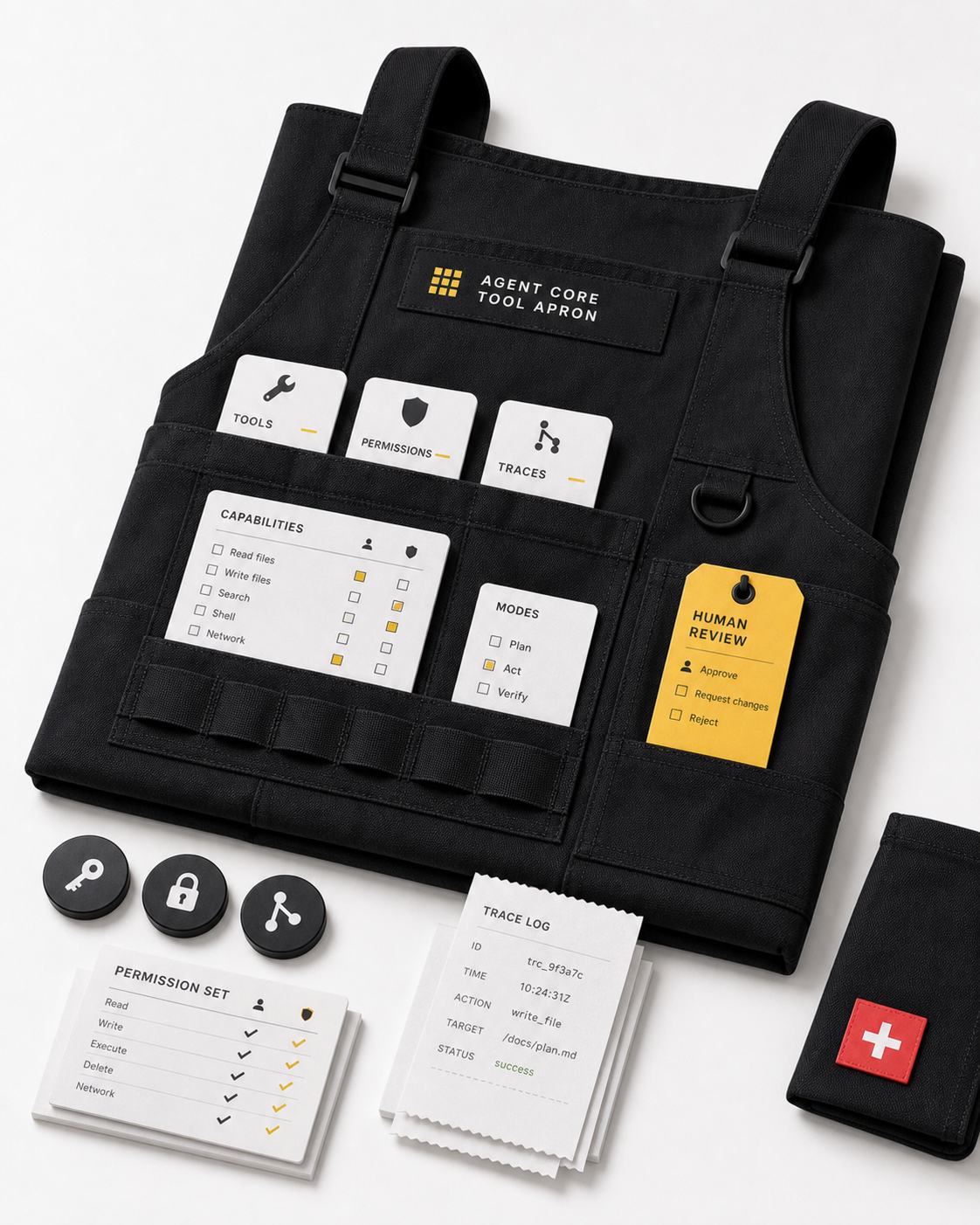
Agent workshop
Agent Core Tool Apron
Design an agent workflow with clear tools, permissions, traces, memory boundaries, and human review before production use.
agent.ts - Tools, traces, review.
Live conversation
Voice agent intake
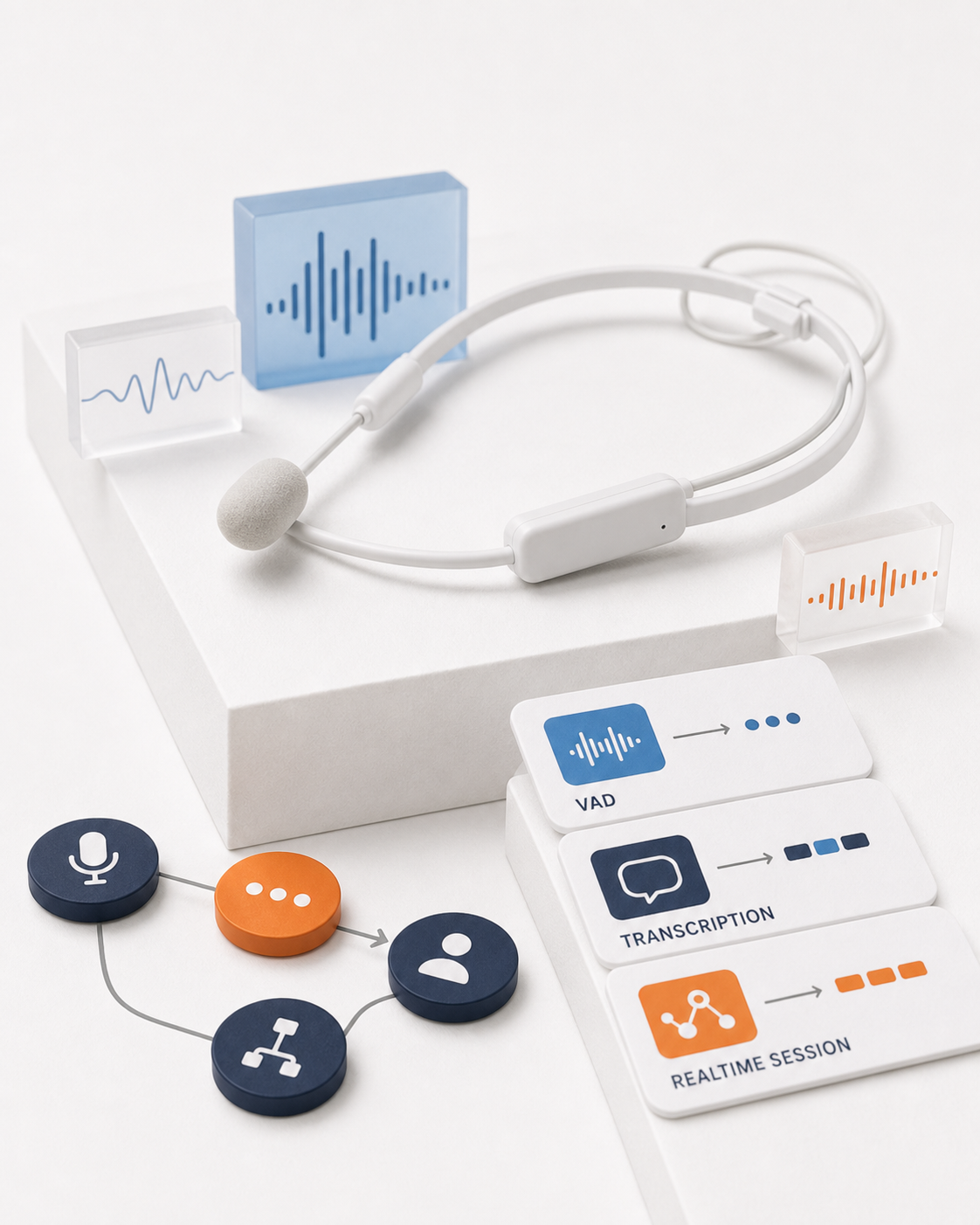
Voice Operator Headset
Design a browser-to-worker voice loop with VAD, transcription adapters, realtime provider boundaries, and human takeover points.
live-media.ts - Voice intake with provider boundaries.
Workspace access
Workspace file tools
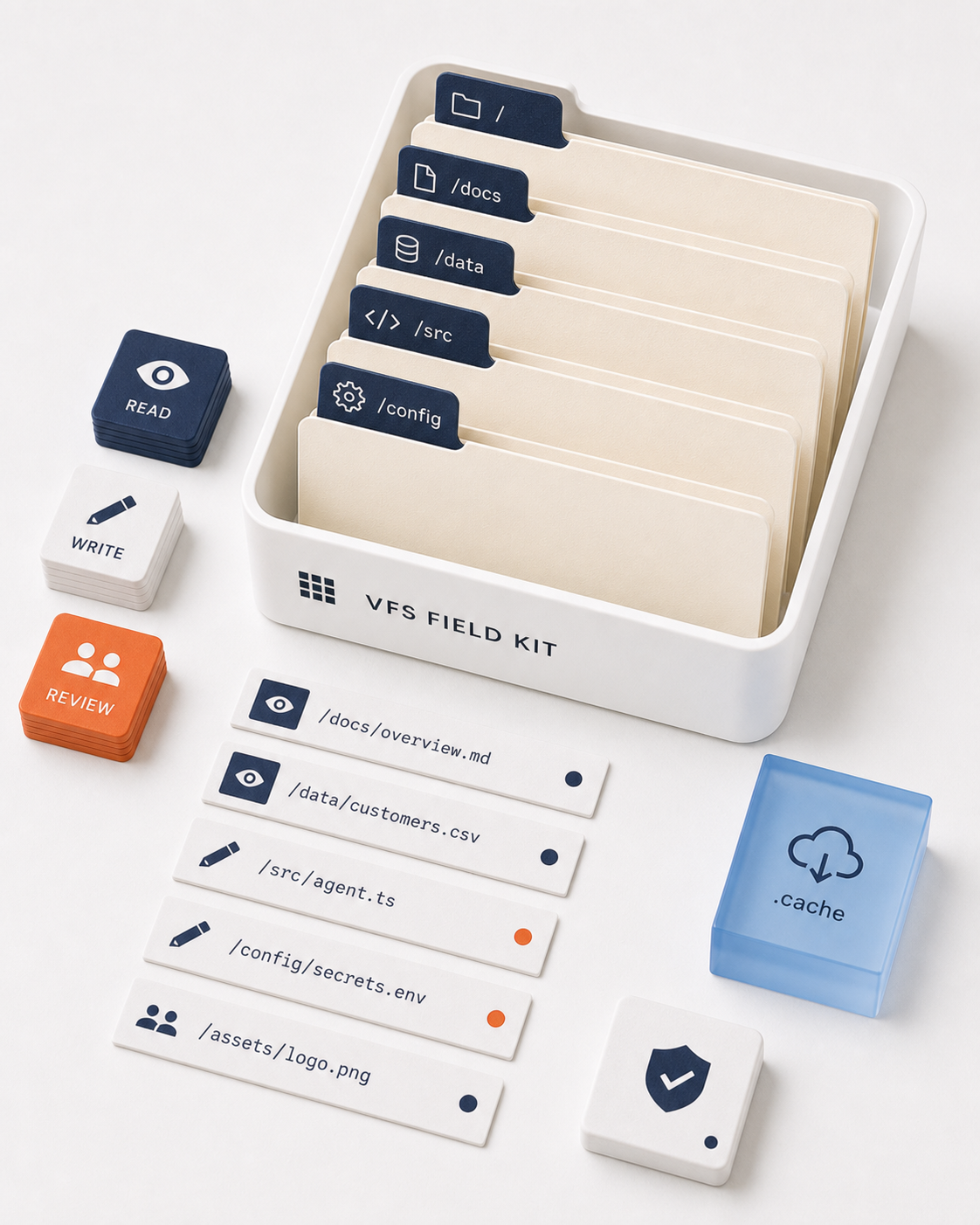
Virtual Filesystem Field Kit
Expose workspace files to agents through reviewable reads, text updates, offline saves, and safe write coordination.
virtualFileSystem.ts - Workspace files without unsafe writes.
Checkout
Bring the workflow you want the agent to own.
Useful checkout context includes the current manual process, tools involved, permission concerns, data sources, failure modes, and how a human should review or override the workflow.